Documentation
Last updated: March 2024
Getting Started
Quick look AR allows you to create immersive AR experiences in minutes. Our platform offers a straightforward process from uploading your 3D models to sharing them with your audience, complete with analytics to track performance.
Quick Start Guide
Create your first AR experience in less than 10 minutes:
- Sign up for a free plan (100 views/month, no credit card required)
- Upload your 3D model (GLB/USDZ) and customize the experience
- Share via QR code, direct link, or embed code
- Track performance with detailed analytics
Note: Free plan includes 100 views per month. Upgrade to premium for unlimited views.
What to Expect
1. Sign Up
Create your account with basic information - no credit card required for the trial.
2. Upload & Customize
Upload your 3D models and customize the viewing experience with images and settings.
3. Share
Share your AR experience via QR codes, direct links, or embed it in your website.
4. Track
Monitor performance with detailed analytics and user engagement metrics.
Account Setup
Create Your Account
Getting started with Quick look AR is simple and risk-free:
- Click the "Start Free Trial" button
- Enter your business email
- Create a secure password
- Provide your company name
Free Plan Information
- 100 views per month per AR experience
- No credit card required to start
- All features available on free plan
- View count resets monthly
- Upgrade to premium anytime for unlimited views

Free Plan Limitations
Understanding free plan limitations:
- View Limit: 100 views per month per AR experience
- Monthly Reset: View count resets at the start of each month
- Experience Status: Shows remaining views for the current month
- Premium Upgrade: Removes limitations and preserves all experiences
Tip: We recommend upgrading to premium before the trial ends to ensure uninterrupted access to your AR experiences.
Dashboard & Model Gallery

Initial Dashboard
When you first sign in, you'll see:
- Welcome message and quick start guide
- Navigation menu with Dashboard and Model Gallery
- Account status and trial information

Model Gallery
Switch to Model Gallery to start creating:
- Click "Model Gallery" in the navigation
- Look for the + button in bottom right
- Click + to start uploading your model
Upload Your Model

File Requirements
Required Files:
- GLB File: Main 3D model format (Required)
- USDZ File: For iOS devices (Optional)
- Poster Image: Preview image for your AR experience
- Logo Image: Your brand logo for the experience
Don't have a USDZ file? Use our conversion tool link provided during upload.

Upload Process
Fill in the following details:
- Upload Files:
- Drop your GLB file or click to upload
- Add USDZ file or use conversion tool
- Upload poster image
- Add your logo image
- Basic Information:
- Title: Name of your AR experience
- Model placement: Choose where the model will be placed on floor or wall
- Description: Details about the model
- External Link: URL to your product/page
Completion
After clicking "Upload":
- Files are processed and optimized
- Experience is created in database
- You're redirected to Model Gallery
- New experience appears with trial badge
Your experience will be immediately available for viewing, but remember it's with 100 views per month on the free plan.
Managing Your Experiences
Experience Overview
Each AR experience in your gallery shows:
- Preview image and title
- Trial badge and countdown timer (during trial)
- Premium badge (after upgrade)
- Action buttons (Edit, View, Delete)
Experience Status
Understanding your experience lifecycle:
- Free Plan: 100 views per month
- Grace Period: 7 days before deletion
- Premium Status: Permanent after upgrade
Sharing Options
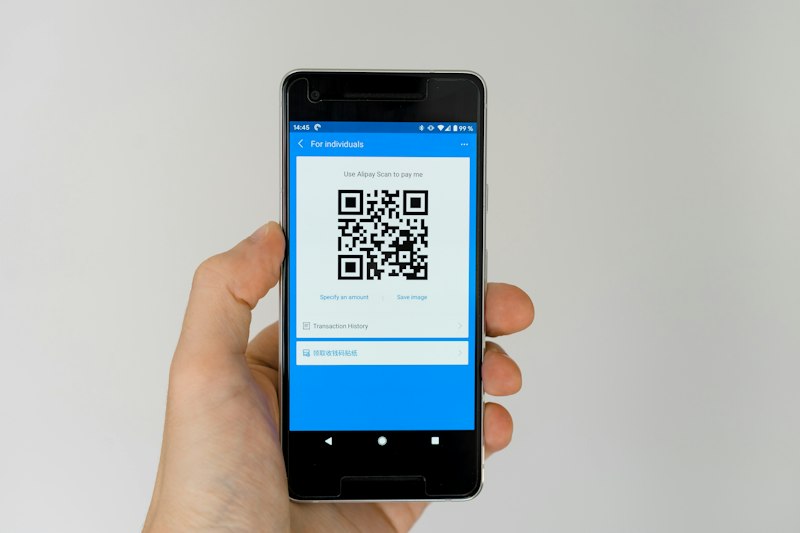
QR Code
Generate customizable QR codes:
- Customize QR code colors
- Add your logo to QR code
- Download in png formats
- Print-ready high resolution
Perfect for print materials and physical displays
Available with active subscription only

Direct Link
Share via URL:
- Copy shareable link
- Track link performance
- Works on all devices
- Social media friendly
Ideal for digital sharing and social media
Website Integration
AR Direct View
Minimalist integration option:
- Clean, simple card design
- Customizable size options
- Responsive layout
- Lightweight embed code
- Easy to integrate with E-commerce platforms
Example embed code:
<iframe src="your-experience-url"
    width="100%" height="100%"
border="none"></iframe>AR Preview Page
Full-featured integration:
- Rich interactive experience
- Custom branding options
- Advanced controls
- Detailed instructions
Best for:
- Product pages
- Dedicated AR experiences
- E-commerce integration
Analytics & Performance
Key Performance Metrics
Track your AR experiences with comprehensive analytics:
Total Views
Track overall engagement across all experiences
Active Experiences
Monitor currently live AR experiences
Engagement Time
Average time users spend interacting
Views Analysis
Detailed breakdown of viewer engagement:
- Daily Views: Track day-to-day performance
- Weekly Trends: Analyze week-over-week growth
- Monthly Reports: Monitor long-term patterns
- Top Performing: Identify most popular experiences
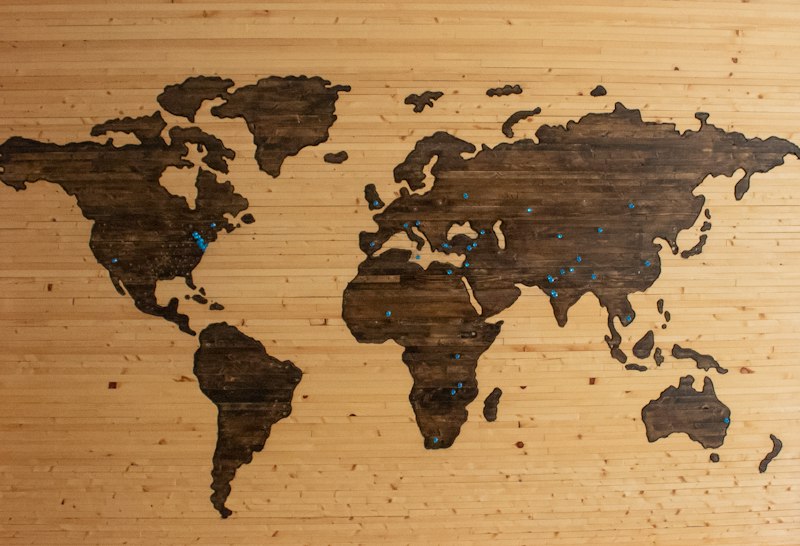
Geographic Insights
Understand your global reach:
- Live View Map: Real-time viewer locations
- Regional Data: View distribution by region
- Location Counts: Track views per location
- Heat Maps: Visualize engagement hotspots
Premium Analytics
Upgrade to access advanced analytics features:
Enhanced Tracking
- Detailed user demographics
- Device type breakdown
- Interaction patterns
- Custom event tracking
Advanced Reports
- Export detailed reports
- Custom date ranges
- Comparative analysis
- ROI calculations
Unlock full analytics capabilities and remove trial limitations